
Browsing archives
Archive browsing lets you step into an archive as if it were a folder, with nothing extracted first. This page covers the supported formats, what you can do once inside, and why the contents are read-only.
Stepping into an archive
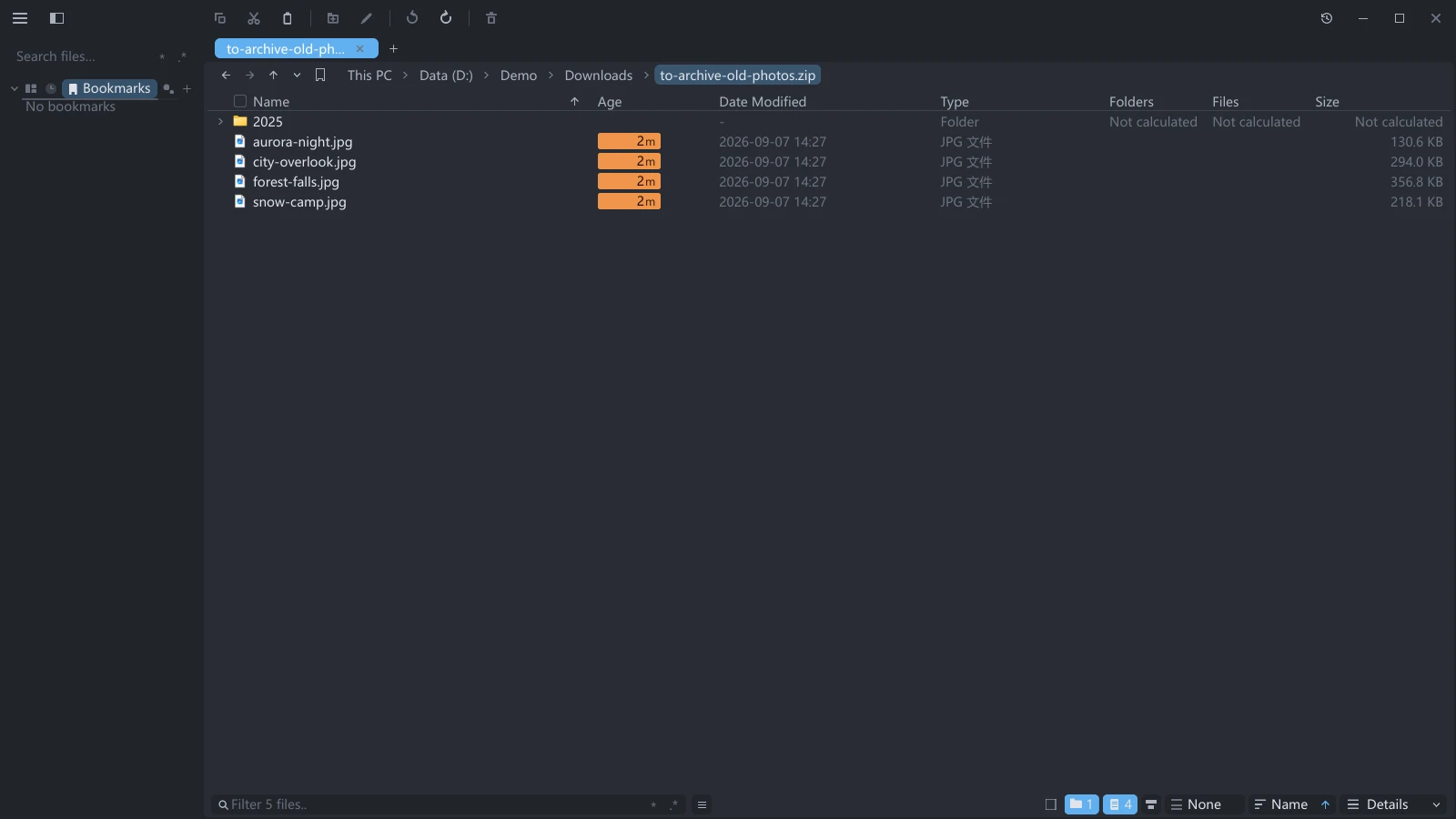
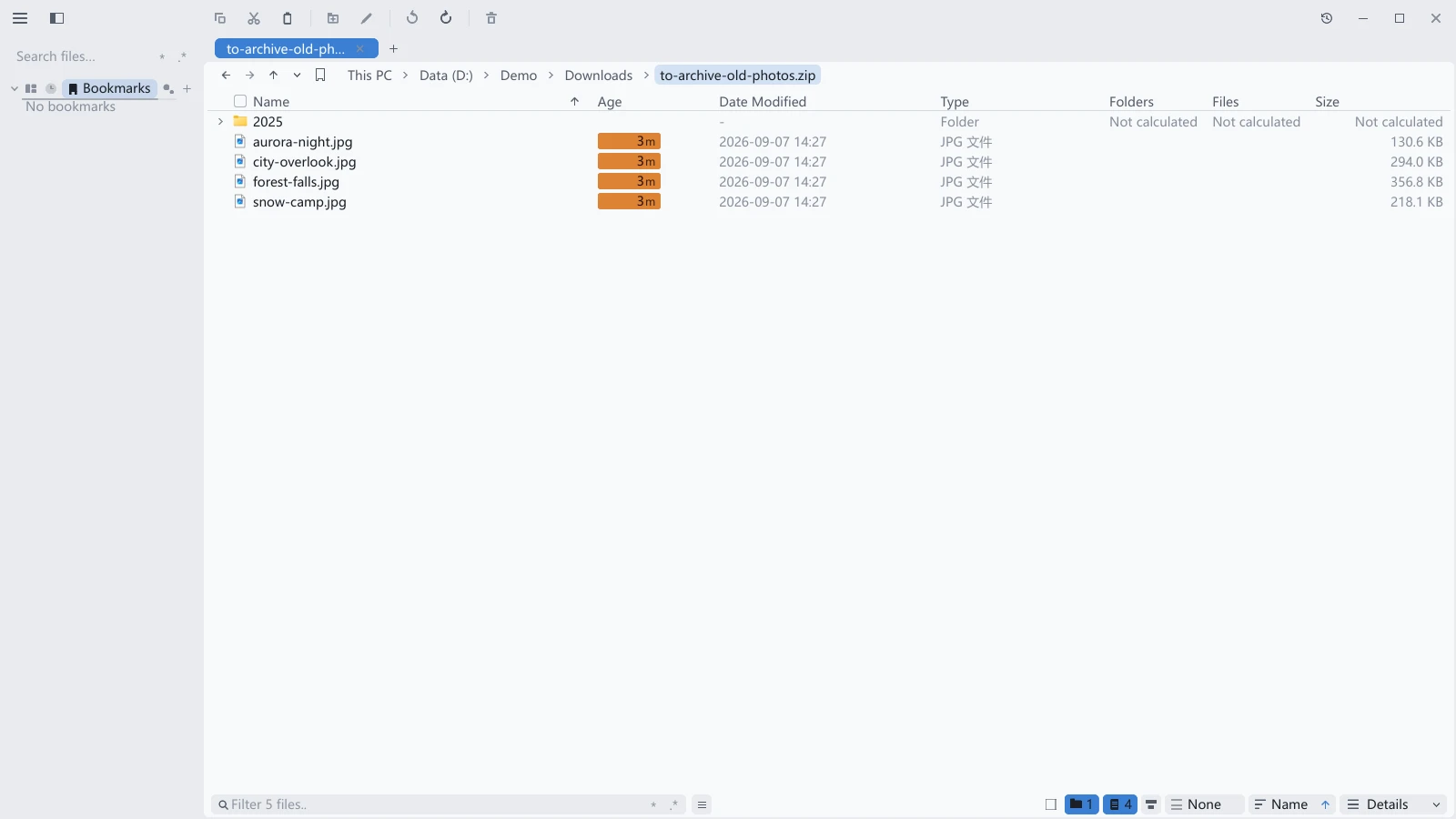
Double-click an archive, or select it and press Enter, and tessoa steps into it the way it steps into a folder, listing what is inside. A ▸ after the name marks the ones you can enter, and clicking that ▸ enters it too.
Press Alt+↑ to go back out to the folder holding the archive.
Supported formats
| Category | Extensions |
|---|---|
| zip | .zip, including .jar and .apk |
| 7z | .7z |
| tar | .tar |
| Compressed tars | .tar.gz / .tgz, .tar.xz / .txz, .tar.zst / .tzst, .tar.bz2 / .tbz / .tbz2 |
| Single-file compression | .gz, .xz, .zst, .bz2 (one file inside) |
What you can do inside
- Navigate, sort, and switch views exactly as in an ordinary folder.
- Select images, text, spreadsheets, and PDFs in there and preview them.
- Encrypted archives ask for a password before you can browse.
Images inside an archive do not get thumbnails; the list shows generic file icons. Click one and you still see it in the preview area.
The contents are read-only
Nothing inside an archive can be changed. You cannot rename, delete, create, or paste inside one, and you cannot drag files out of it. To get the contents out, go back to the folder holding the archive and extract it, see Extracting archives.
Extracting to disk
When you need files you can edit, there is no need to step inside: go back to the folder holding the archive, right-click it, and the menu offers Extract Here, Extract to Subfolder and Extract to…, see Extracting archives.
.rar is the exception: it can be extracted but not browsed. Double-clicking a .rar does not step into it, and those three menu entries are carried out by 7-Zip or WinRAR on your machine.
Extracting archives · Preview · Image preview · File operations